
 Checkout
Pay with Zelle or Cash App. Put your email in the memo.
Scan the Zelle QR, or create a real Cash App Pay request from this checkout. Use the same email from this form as the payment memo/note so CreditSoft can match the payment faster. Payments can take up to 8 hours to process.
Enterprise Pro + Cluster
$256.55/month$189.90/month
This total includes the selected add-on before the Zelle discount is applied.
Zelle / Cash App total after 10% discount
$170.91 / month
You save $18.99 when this payment is sent by Zelle or Cash App.
- Everything in Enterprise
- Chrome browser companion
- API access
- FCRA / FDCPA lawsuit intake
- Automation workflows
- Priority support
- Cluster license
Selected add-ons
Cluster license Additional office install for a second office, branch, front desk machine, or dedicated local node.
$19.95/month
Payment details
Send $170.91
Choose Zelle to send from your bank, or choose Cash App to create a real Cash App Pay API request. If Cash App credentials are not configured, checkout shows the setup issue and keeps the customer on Zelle.
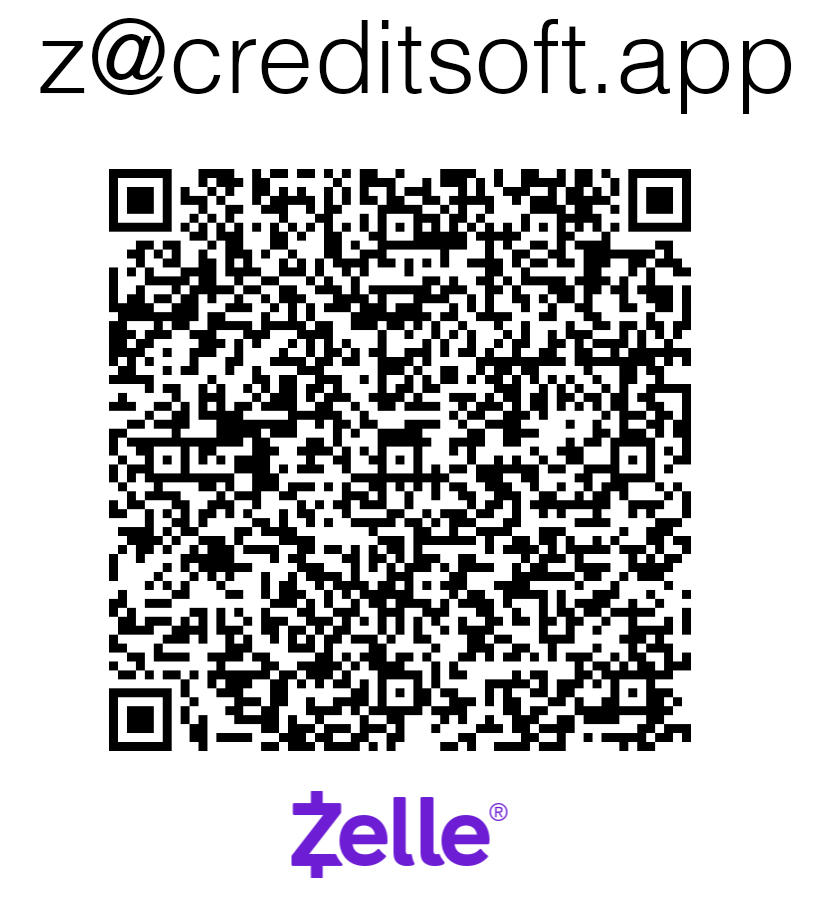
Payee
Matthew Murphy
Zelle destination
z@creditsoft.app
Memo
Your CreditSoft account email
Use the exact email you enter below. If the memo is wrong, matching falls back to payer name, amount, and this checkout notice.
Checkout total
$189.90
Zelle discount
10% off (-$18.99)
Zelle / Cash App total to send
$170.91
Payments can take up to 8 hours to process.