Features
Feature pages
Metro2 review Client portal Client system API bridge Multi-office nodes Backup redundancy Tech stack and setup Social / Meta manager Managed websites
Migration Outsourcing Videos Roadmap Pricing About Start Intake Login

Website API Bridge

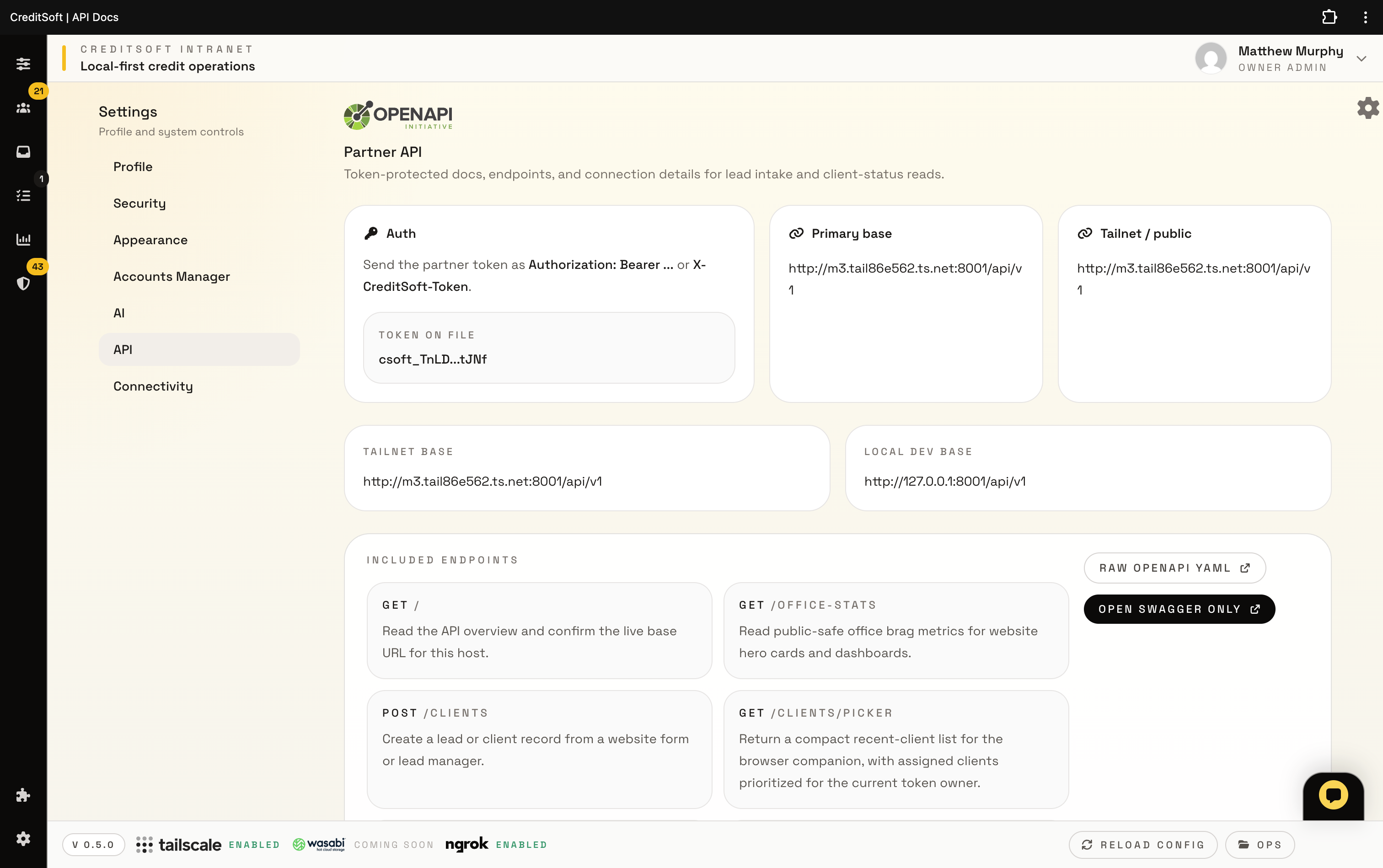
Give Meta, WordPress, client portals, and lead forms one stable HTTPS route into approved CreditSoft API endpoints while casework stays local.

Public website, private office

A stable public API lane for the pieces that cannot call localhost.

Meta, WordPress, lead forms, and client portals need a real HTTPS domain. The website bridge gives those systems one controlled route into approved CreditSoft API endpoints while the working client file stays inside the intranet.

  • Register the Meta OAuth callback like https://yourdomain.com/oauth.php.
  • Forward only approved requests to the current office target.
  • Keep raw tunnel credentials, staff passwords, and private casework out of the public website folder.

Outside: website domain

This is what Meta, portal users, WordPress, and lead forms can safely reach.

  • Stable Meta callback like https://yourdomain.com/oauth.php
  • WordPress plugin or plain PHP drop-in for non-WordPress sites.
  • Public HTTPS endpoint that can survive ngrok URL changes.

Inside: CreditSoft intranet

This is where casework, staff access, API keys, and private customer records stay.

  • Local-first office install remains private to the company machine or tailnet.
  • Bridge forwards through the current office target, such as ngrok, Tailscale, or reverse proxy.
  • No Tailscale admin key or ngrok host credential belongs in the public website folder.
How it works

The callback URL becomes boring on purpose.

1

Install the bridge on the public site

Use the WordPress add-on or the hand-coded PHP drop-in so the customer domain owns /api/v1.

2

Point the bridge at the office API target

The target can be ngrok for testing, Tailscale when the website server can see the tailnet, or a future reverse proxy.

3

Give Meta the public callback, not localhost

Meta only sees the stable website URL. CreditSoft handles the private hop behind it.

This is also the lane for portals, forms, and companion tools.

The same bridge pattern supports client portal reads, lead intake, website forms, browser companion handoff, and future WordPress installs without turning the intranet into a public SaaS box.

Client portal

Show portal-safe status, documents, and updates through the branded public site.

Lead intake

Send public website leads into CreditSoft without copy-paste or disconnected inboxes.

Meta callbacks

Keep OAuth and webhook URLs stable even when the temporary office tunnel changes.

Security boundary The public website gets a bridge token and a forward target. It should not store raw ngrok account keys, Tailscale admin keys, staff passwords, or client casework data.

The bridge belongs beside the client portal, not buried in setup notes.

Use it as the public API layer for Meta callbacks, website intake, WordPress installs, and portal handoff while CreditSoft keeps the private office system separate.

View client portal